Existing Conditions
Before design
Measured plans of existing buildings, so renovations and additions start from accurate base drawings.
DeliverableBase plans
Clean, accurate drawings and models when you need them: AutoCAD and Revit drafting, BIM models, CAD conversions, as-builts, redline updates and permit-ready sets prepared to your layer, title-block and sheet standards.
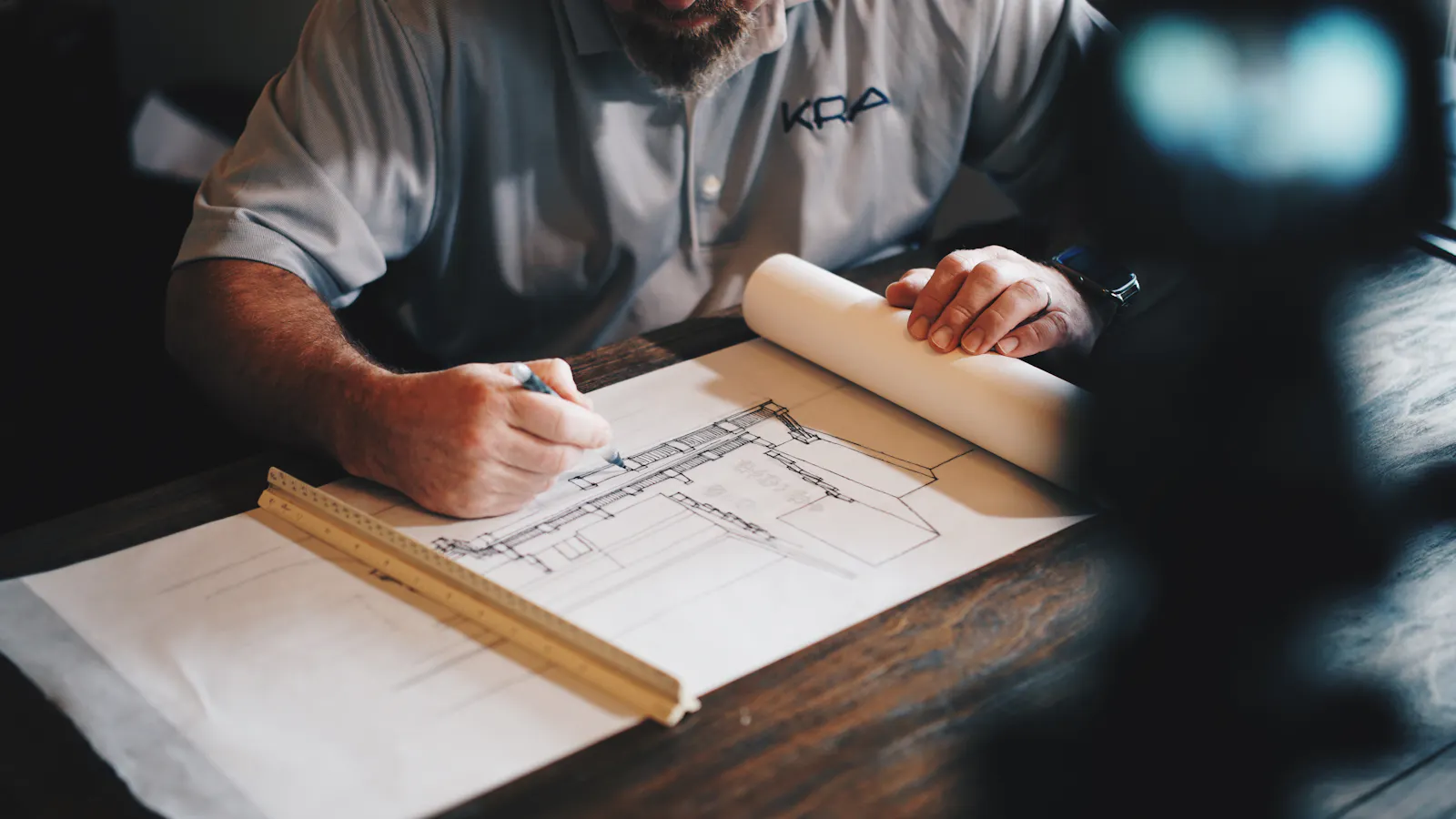
Our drafting team prepares 2D drawings in AutoCAD and 3D models in Autodesk Revit for contractors, architects, engineers and developers. We convert PDFs and scans to CAD, turn field markups into clean as-builts, and assemble permit sets that are ready for plan review.
For BIM projects we build Revit models at the level of development your project needs, for clash coordination, quantity extraction, visualization or facility management, and deliver native files your team can keep working in.
Drawings that are easy to read, easy to edit and ready for the next step.
Scanned or PDF drawings redrawn as layered, dimensioned CAD files you can edit.
Field measurements and markups turned into accurate as-built plans, elevations and sections.
Hand or PDF markups applied to the drawing set, with revision clouds and a revision log.
Plans, elevations, sections and details assembled to meet your jurisdiction's submission requirements.
Revit models built from 2D drawings or point clouds for clash coordination, visualization, quantity extraction and as-built records.
Your layers, text styles, title blocks and sheet numbering followed from the first sheet to the last.
From existing-conditions drawings to close-out documents.
Before design
Measured plans of existing buildings, so renovations and additions start from accurate base drawings.
Before construction
Construction drawings and permit packages prepared from sketches, markups or design intent.
During construction
Coordination drawings and layouts that help trades avoid clashes in the field.
After construction
Final drawings showing what was actually built, for owners, facility teams and future work.
Clear communication and quality checks at every stage.
Share PDFs, scans, sketches, photos, field notes or existing CAD files, plus your standards.
We confirm sheet count, scales, layers, title block and deadline before drafting begins.
Drawings are prepared in AutoCAD or Revit, following your standards from the first sheet.
A senior drafter checks dimensions, annotations and sheet coordination before anything is sent.
You review the set and send comments; we revise until the drawings are right.
Level 1 floor plan
1/4" = 1'-0"
Wall section W-3
1" = 1'-0"
Reflected ceiling plan
Revision 2 clouded
Every project includes a drawing list, so you always know what's issued, what's revised and what's still in progress.
| Sheet | Title | Scale | Format | Status |
|---|---|---|---|---|
| Architectural | ||||
| A-001 | Cover sheet, code summary & sheet index | NTS | DWG + PDF | Issued |
| A-101 | Demolition plan | 1/4" = 1'-0" | DWG + PDF | Issued |
| A-102 | Floor plan | 1/4" = 1'-0" | DWG + PDF | Revision 2 |
| A-201 | Reflected ceiling plan | 1/4" = 1'-0" | DWG + PDF | Revision 1 |
| A-501 | Wall sections & details | Varies | DWG + PDF | Issued |
| Structural & MEP backgrounds | ||||
| S-101 | Foundation & framing plan | 1/8" = 1'-0" | DWG | Background |
| E-101 | Power & lighting background | 1/4" = 1'-0" | DWG | Background |
Experience across commercial, residential, institutional and public work in all 50 states.
Custom homes, additions, remodels and production housing, from single plans to whole subdivisions.
Custom to production
Core-and-shell buildings, tenant fit-outs, renovations and corporate interiors.
Shell & interiors
Restaurants, retail centers, hotels and multi-site rollouts that need consistent pricing.
Single site or rollout
Garden-style, podium and mid-rise apartments, senior living and student housing.
Wood, podium & mid-rise
Distribution centers, manufacturing plants, cold storage and flex buildings.
Tilt-up & pre-engineered
Medical offices, clinics, surgical centers and hospital renovations with specialty systems.
Specialty MEP
K-12 schools, university buildings, labs and athletic facilities, including phased work.
Prevailing wage ready
Municipal buildings, fire and police stations, parks and site infrastructure.
Public bid formats
Good drafting saves time for everyone downstream, from plan reviewers to the crew in the field.
Checked dimensions: Dimensions are verified against source documents and field data before delivery.
Fully editable files: You receive native, layered CAD or Revit files, not flattened PDFs.
Standards followed: Your title blocks, layers and naming conventions are used throughout.
Quick revisions: Comment rounds are handled fast so permit submissions stay on schedule.
“An addendum dropped two days before the bid and they turned the update around the next morning. The Excel files have live formulas, so we adjust margins ourselves.”
Need single-scope detail? We prepare trade takeoffs organized the way specialty subcontractors price their work.
We deliver native AutoCAD (DWG/DXF) or Revit (RVT) files plus PDFs of every sheet. Other formats are available on request.
Send your files and requirements, and we'll reply with a fixed quote and schedule.